Access Type Overview
Article Type: Concept / Administrator Overview Audience: Enterprise Administrators, Security Architects Module: Fuuz Platform / Access Control Applies to Versions: 2025.12+
Overview
Access Types in Fuuz define the privileges a user has when they log in and determine what menus, tools, and data they can access across tenants (applications). Use Access Types to separate enterprise administration from application-level administration and end-user roles.
Note: Enterprise administrators manage global users and Access Types; application administrators request access for new users but cannot create enterprise users directly.
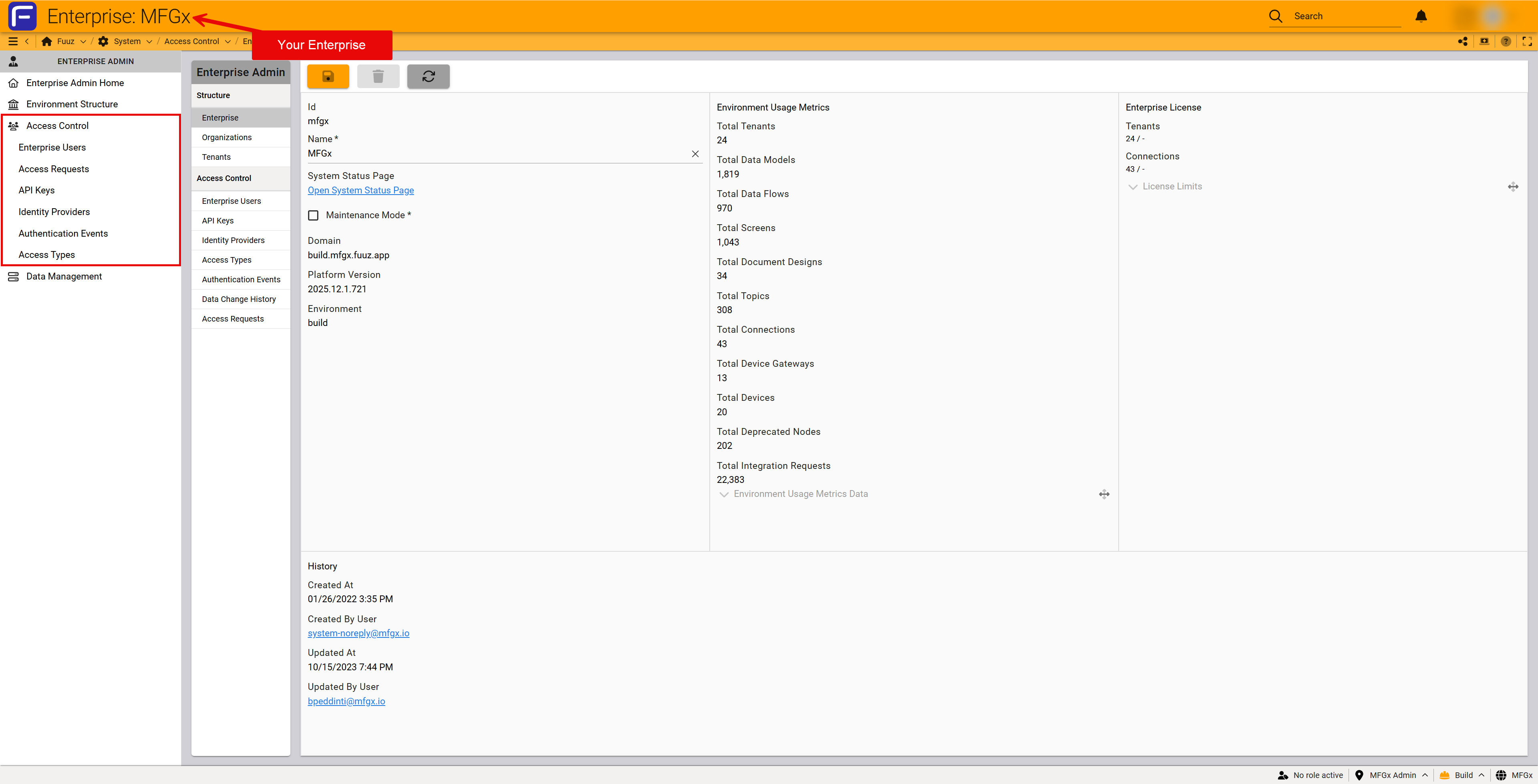
Access Types
- Administrator: Grants administrative policies for user management and platform configuration (including data ingress/egress and app customization).
- Developer: Grants design-time access (Schema Designer, Screen Designer, Data Flows, APIs, Documents).
- Web Access: Basic login only; requires roles within each application to access screens and data.
- API Access: Intended for API keys used by external systems.
- Gateway Access: Used by the system to authorize installed edge gateways; typically not assigned manually.
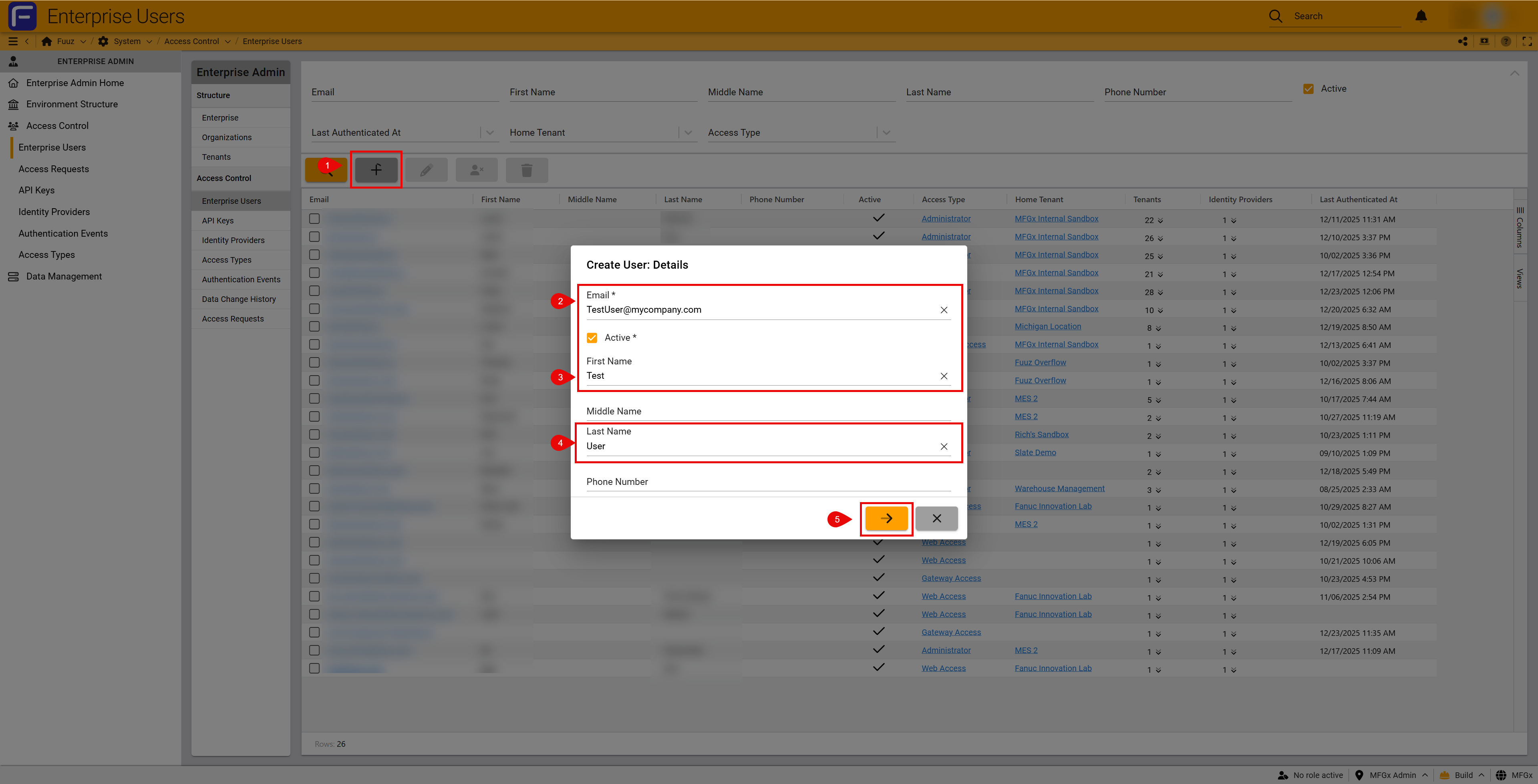
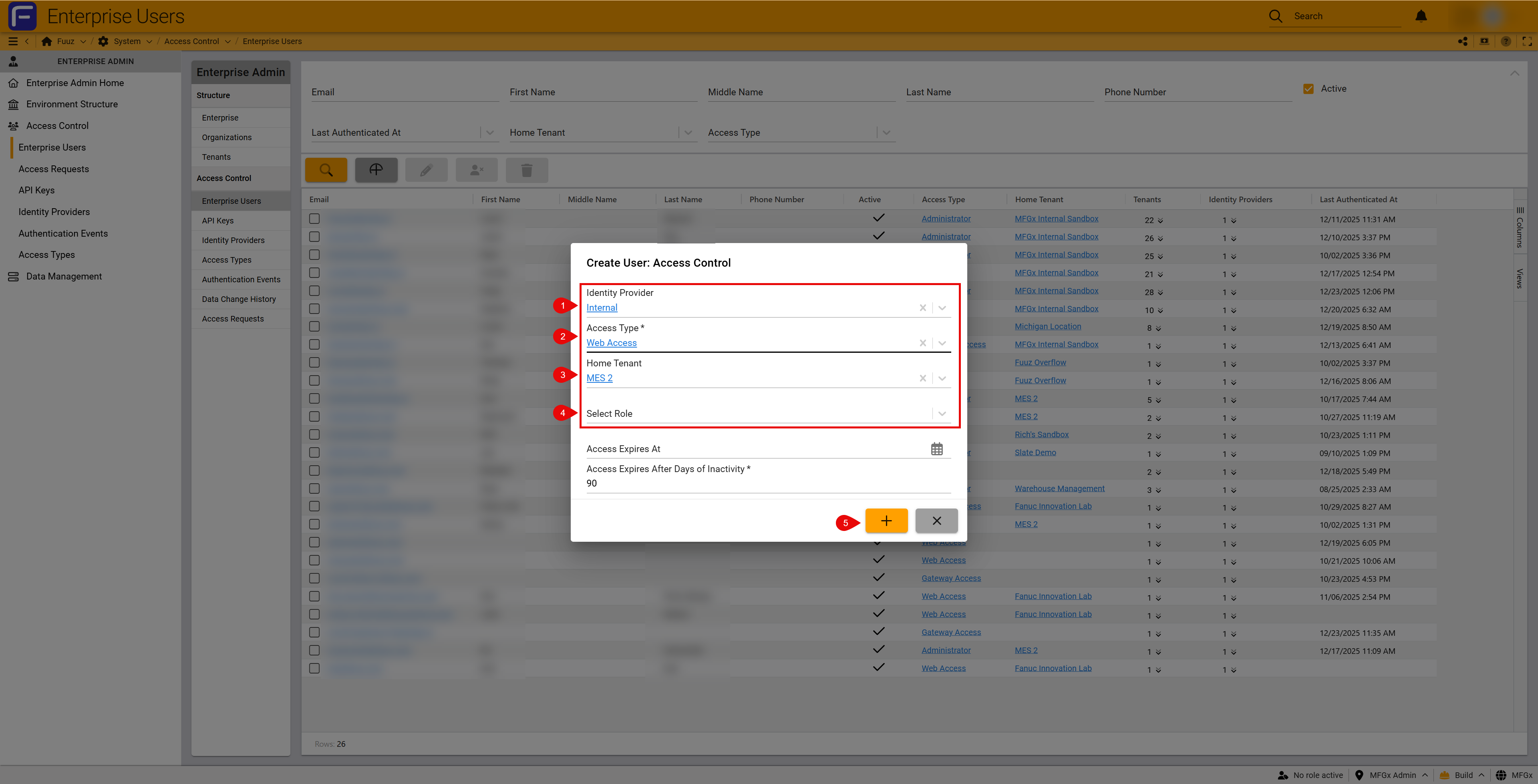
Menus by Access Type
Application Administrators and Developers see additional menu sets on login, while Web Access users only see role-based menus. Use the left-side drawer (hamburger icon) to show or pin menus.
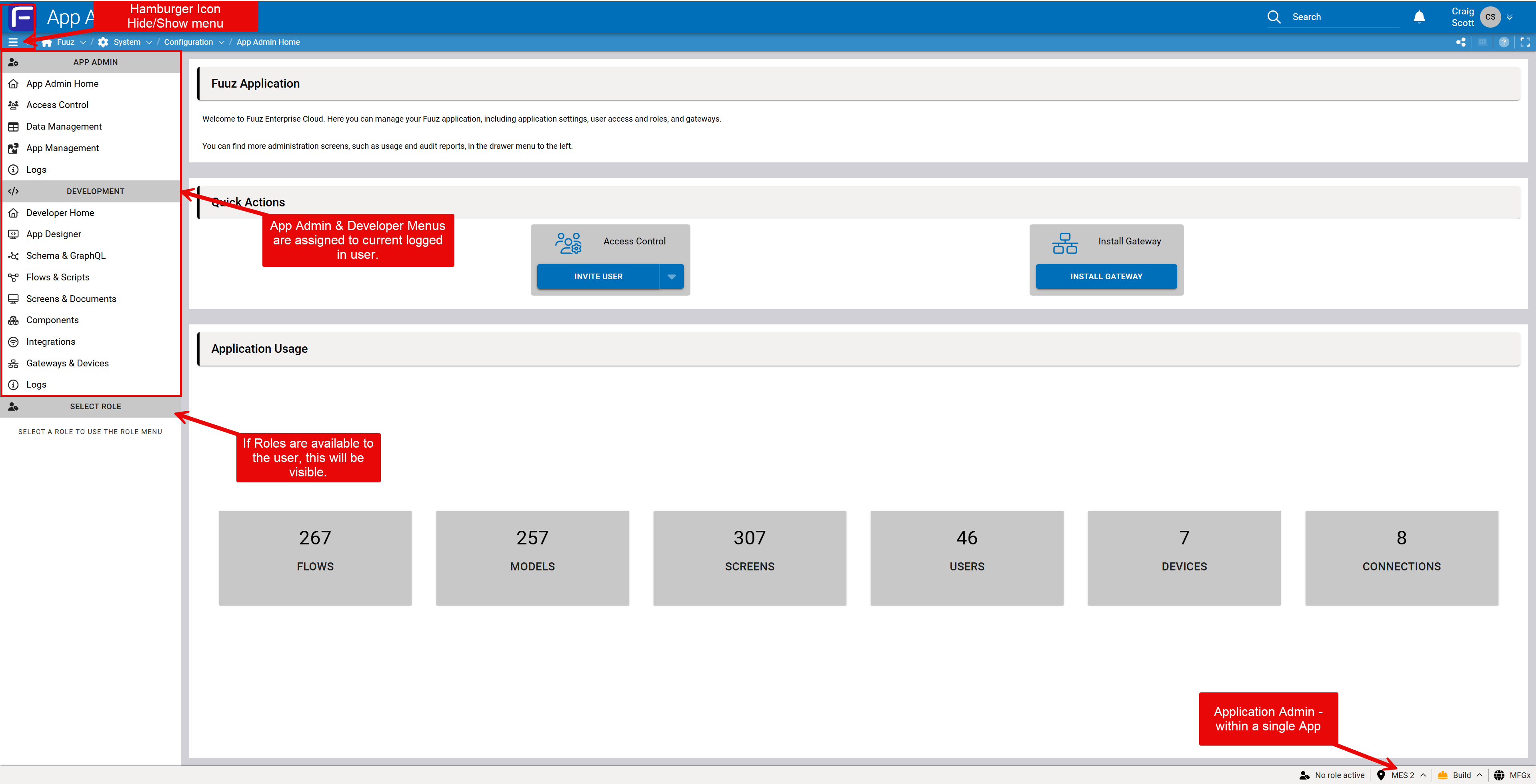
Menu & Navigation Tips
- Use the left-side hamburger icon to pin/unpin the menu drawer.
- Expand high-level menu options to reveal sub-options.
- Role menus appear below admin/developer menus when a user also has roles.
Revision History
| Version | Date | Editor | Description |
|---|---|---|---|
| 1.0 | 2025-12-23 | Fuuz Documentation Team | Initial Release |