System Model Definition Query
Article Type: Reference Audience: Developers Module: Data Models
The System Model Definition is helpful in training your AI Models, building queries, and exposing your application ontology to visual graph tools.
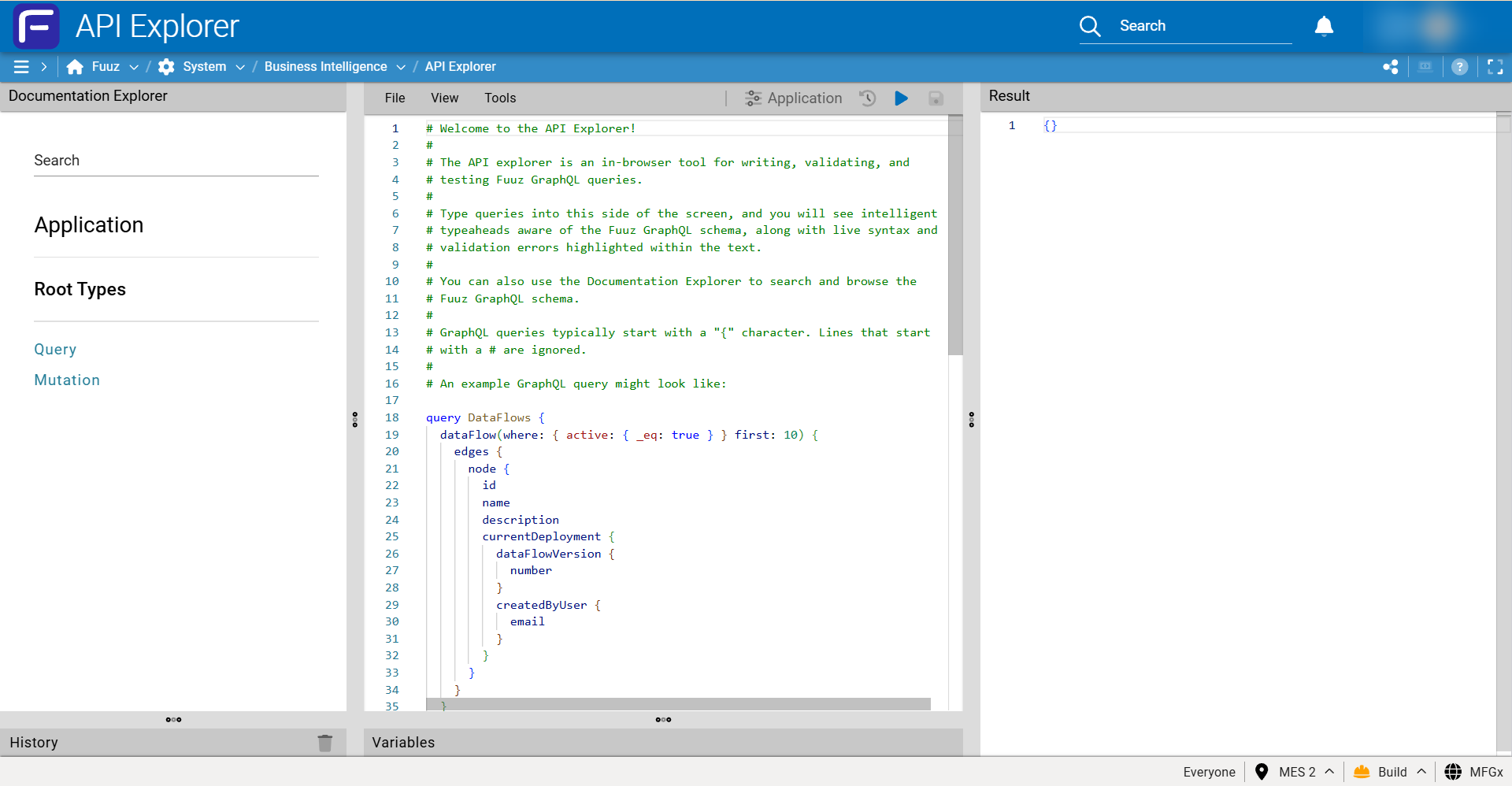
1. Open the API Explorer
Navigate to the API Explorer:
2. Run the Query
Remove the boilerplate query and replace it with the query defined below.
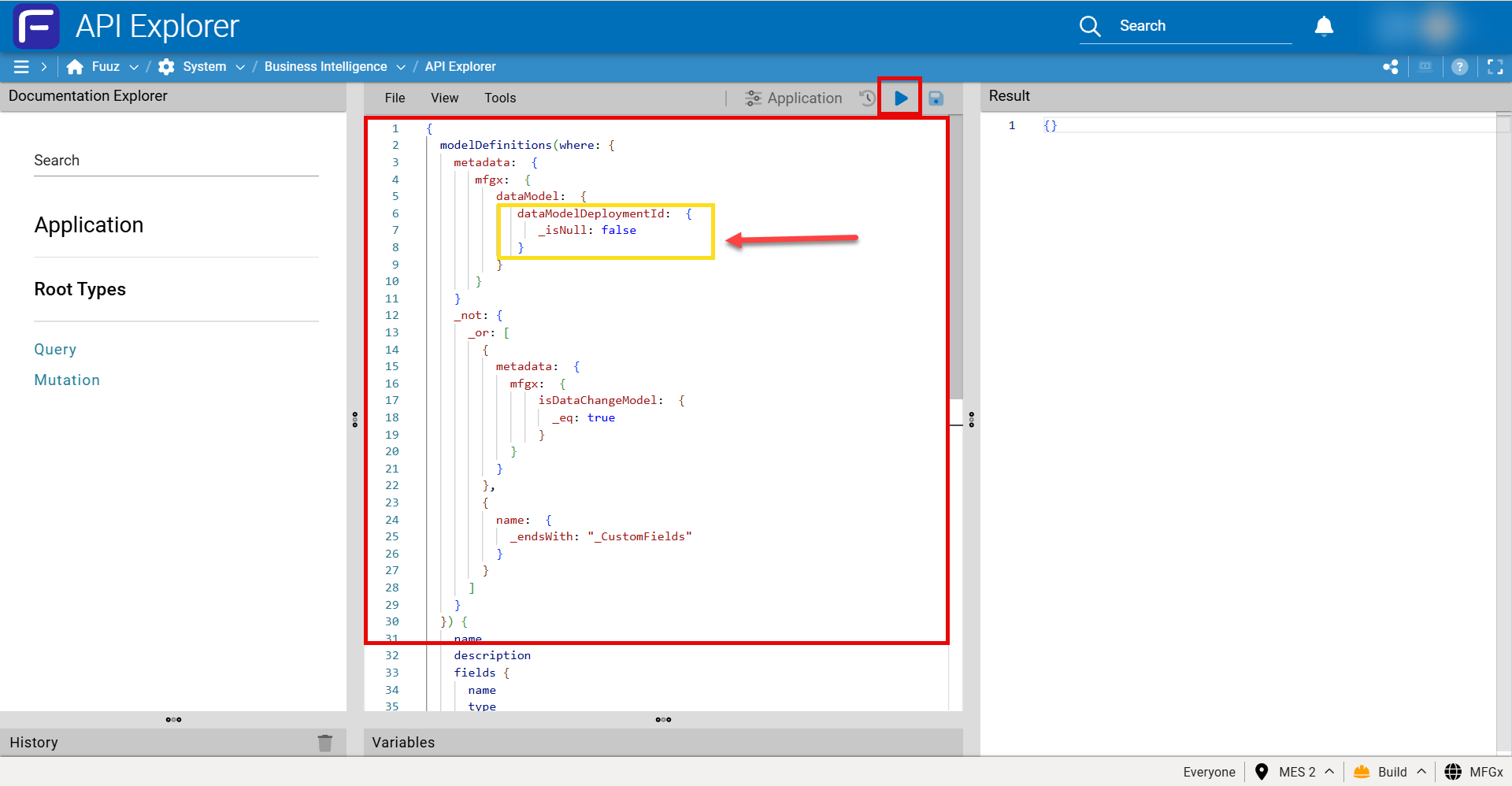
Note: If you want ALL models, including system (platform) models, you must remove the
dataModelDeploymentId: { _isNull: false }portion of the query. If you leave this in, it will only return models that have at least one deployment.
{
  modelDefinitions(
    where: {
      metadata: {
        mfgx: {
          dataModel: {
            dataModelDeploymentId: { _isNull: false }
          }
        }
      }
      _not: {
        _or: [
          { metadata: { mfgx: { isDataChangeModel: { _eq: true } } } }
          { name: { _endsWith: "_CustomFields" } }
        ]
      }
    }
  ) {
    name
    description
    fields {
      name
      type
      description
    }
  }
}
3. Review the Results
After executing the query, the Results panel will include the entire data graph of your Fuuz tenant.
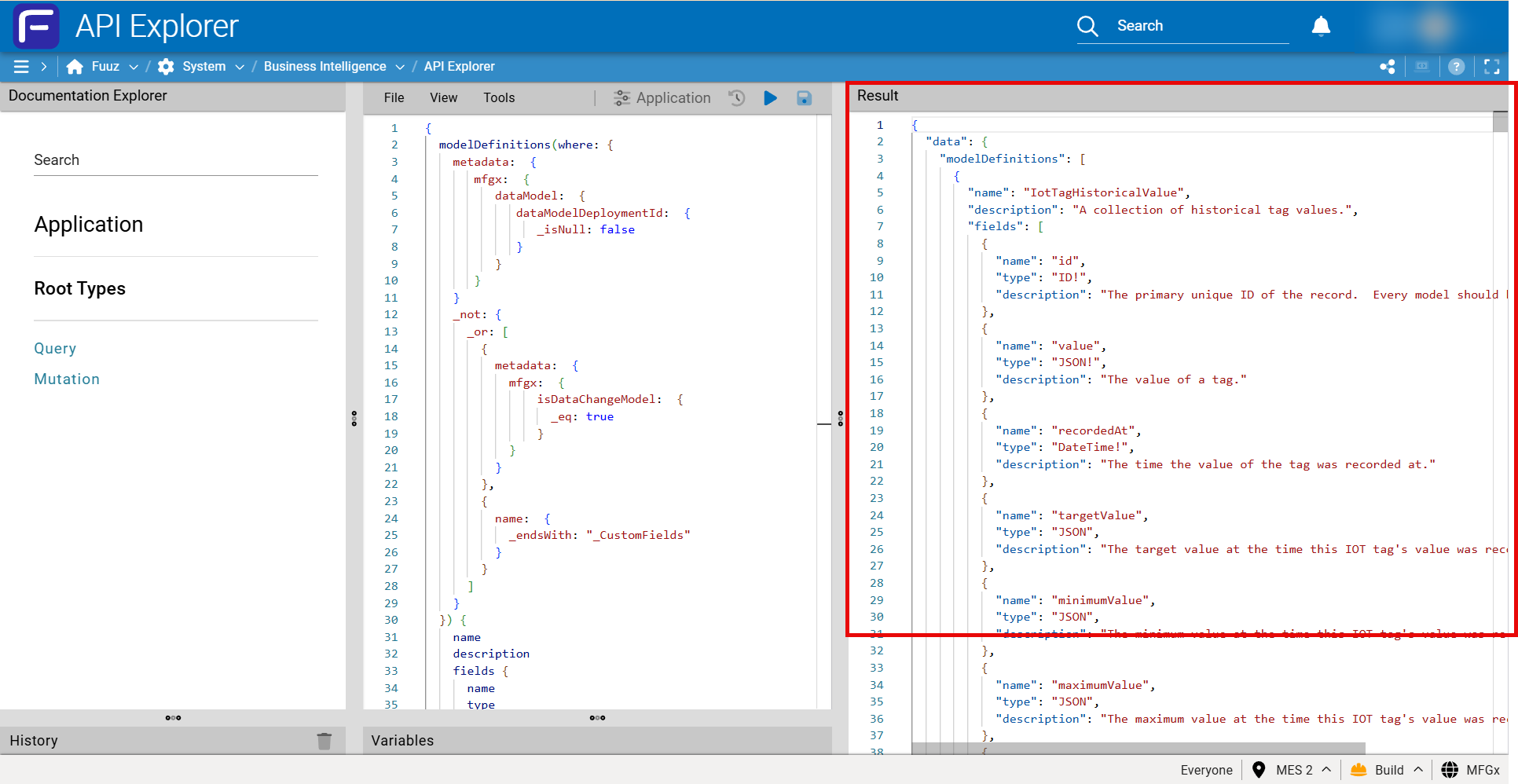
Collapse at line #1 to export the results to another format (e.g., a text file).
Sample export: A sample export from one of our MES accelerator applications is available as an attachment on the original KB article. Download it from the original article linked above.