Notifications Overview
Article Type: Admin Guide Audience: App Admins Module: Admin Options
Fuuz provides a system for issuing notifications to emails or implementing notifications via flow handlers.
Scope: This page is a quick administrative overview. For the full Notification Channels reference (schemas, templates, binding keys, recipients), see Notifications; for sending and receiving notifications inside data flows, see Notification Nodes.
Notification Channels
Notification Channels represent a specific notification that is sent out to a group of recipients.
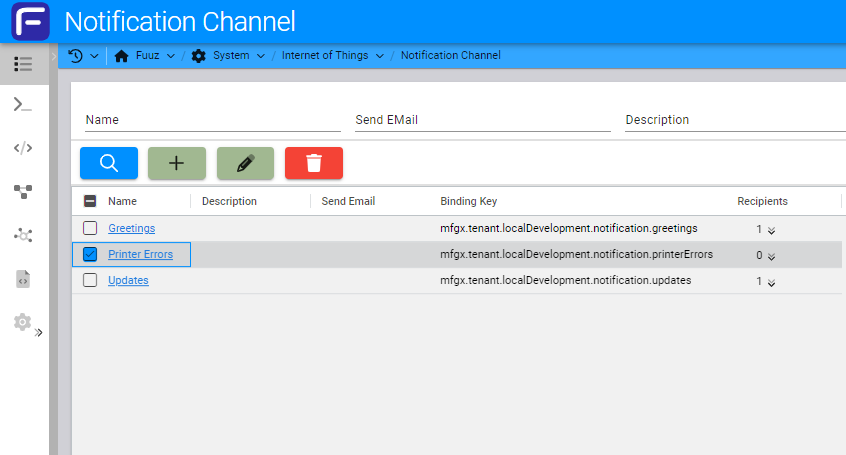
For example, consider a data flow that sends a ZPL label to a printer. If the printer is disconnected, the data flow will error. We can create a Notification Channel for printer errors and then add all the recipients that should know that the printer did not receive the label. Then the data flow can be updated to catch the error and send a message to that notification channel.
You can add new Notification Channels via the Notification Channel screen.
Input Schema
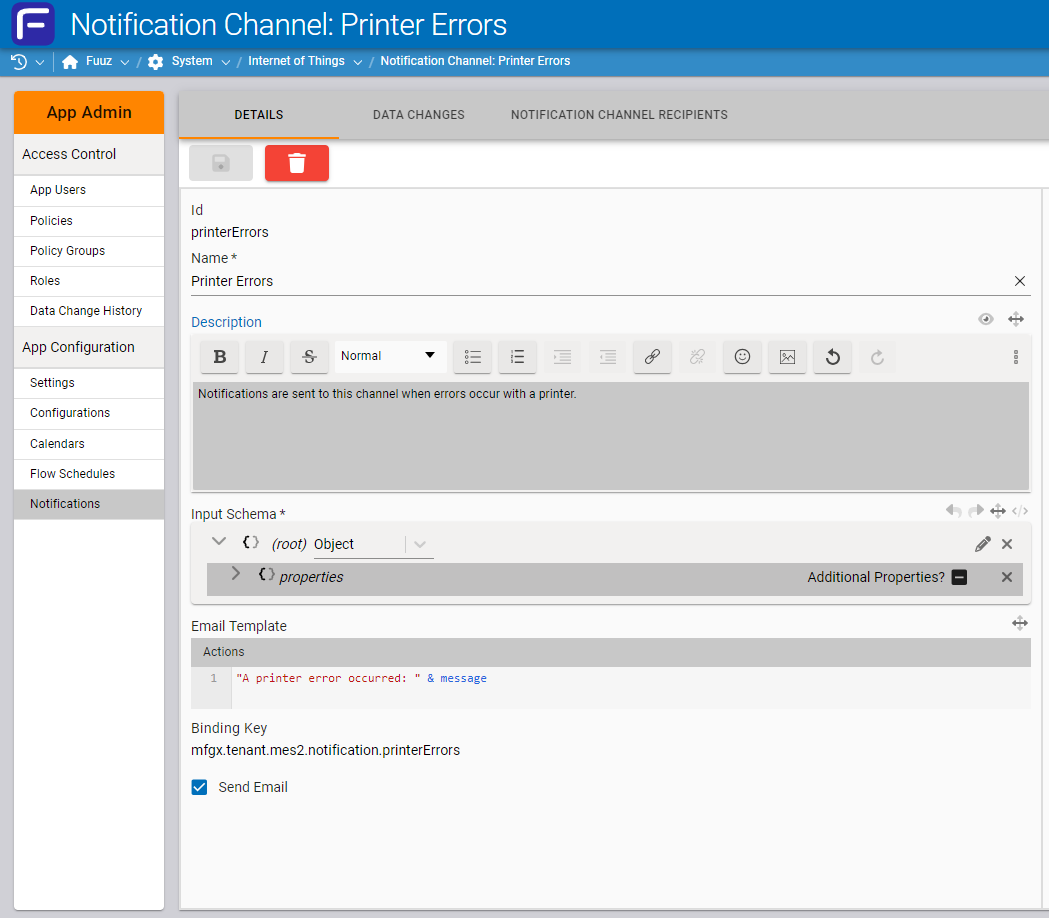
Each Notification Channel requires an Input Schema. This field allows users to provide a JSON schema to validate payloads before they are pushed through an email. By providing a schema that defines the required fields for the email template transformation, the notification channel can identify payloads that would fail to generate the notification message correctly.
JSON schema can be built from a JSON payload using the Convert JSON to JSON Schema screen within the Fuuz platform.
Email Template
This field is a JSONata transform that needs to result in a string that will be the body of an email sent out on the notification channel to each of its recipients.
Send Email
This field on the Notification Channel determines if Fuuz should send out the notification itself via email. If this is false, the notification won't be sent out by Fuuz and a data flow will have to be made to handle the notification and send it out.
Recipients
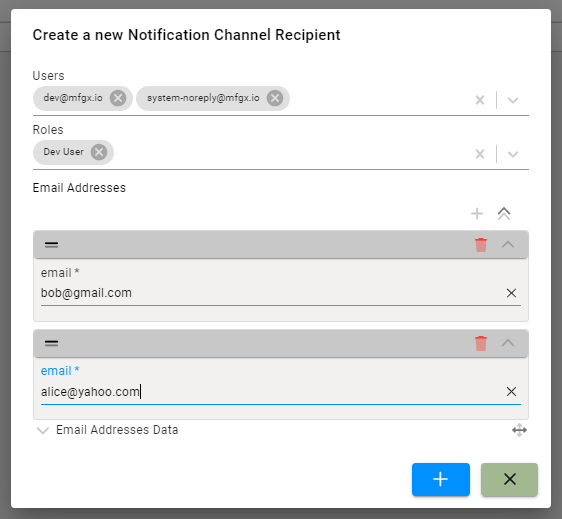
Recipients determine who should get emails for notifications sent out on a Notification Channel. There is a tab on the Notification Channel detail form where you can add Recipients.
There are 3 types of recipients that can be configured. If you select more than one recipient, each selection will be added as a recipient to the Notification Channel.
- Users: Fuuz users to send notifications to. The notification will be sent to the email address configured on the user.
- Roles: Fuuz role to send notifications to. Notifications will be sent to every Fuuz user in the Role.
- Email Addresses: A list of email addresses to send notifications to. These can be used for email addresses that are not related to a Fuuz user or configured in Fuuz.
Notification Communications
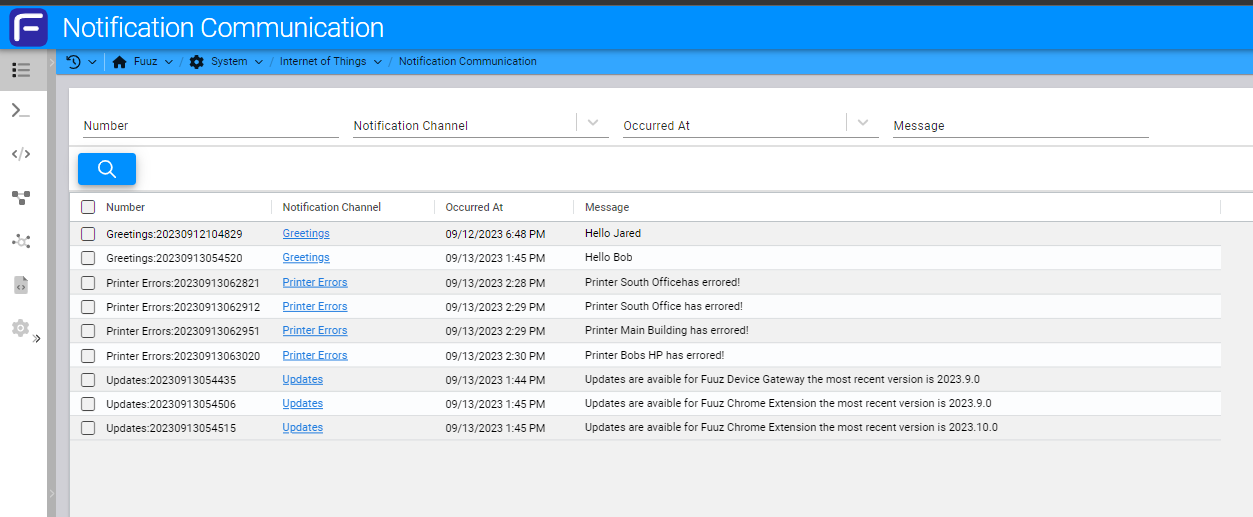
Notification Communications keeps a history of all of the notifications sent out by the Notification Service to a Notification Channel.
Notification Nodes
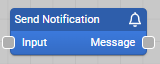
Send Notification Node
A node used to send notifications to a Notification Channel.
Node Inputs:
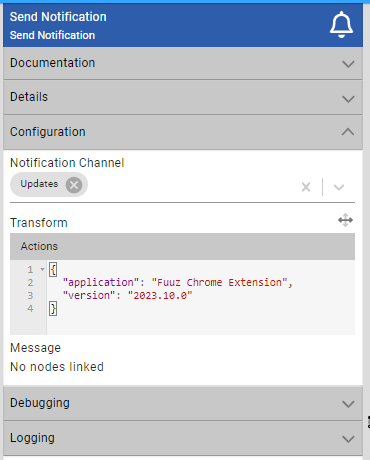
- Notification Channel: A drop-down of the channel to send a notification to.
- Transform: A JSONata transform. The result of this transform is the payload that will be used when creating the message for the notification sent out. If the results are an array, then multiple notifications will be sent out.
Receive Notification Node
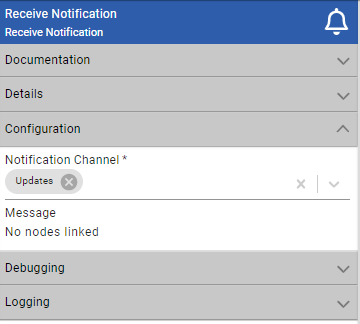
A node used to receive messages when notifications are sent out on a notification channel. If the sendEmail field is false on the notification channel, Fuuz will not automatically send out emails, but the Receive Notification Node will still receive the notifications. This can be used to implement custom notifications and custom transports.
Node Inputs:
- Notification Channel: The Notification Channel to receive messages from.